Use 3 Pieces of Clipart to Make 5 Unique Digital Products (Perfect for Beginners)
If you want to start selling digital products online but the “design” part scares you… welcome to the club.
You are not alone — and yes, there is an easier way.
Clipart is the ultimate shortcut for beginners, creative moms, side-hustlers, and anyone who wants to start making digital products in Canva without being a designer. You don’t need art skills, fancy tools, or 20 layers of Photoshop magic.
You need three pieces of clipart… and Canva’s drag-and-drop magic.
Yep. That’s it.
I used only three dinosaur clipart images to create FIVE digital products you can sell anywhere online.
In this post, I’m going to show you how I used only three dinosaur clipart images to create five real digital products you can sell on Etsy, your website, or anywhere you offer digital downloads.
If you’re a “show me what it looks like” kind of person, the video below gives you a little tour of each one so you can swipe the ideas for yourself.
If you want an easy win? This is it.
Why Clipart Makes Digital Product Creation So Easy
Canva is already one of the easiest tools on the planet — and clipart makes it even simpler.
Clipart removes:
- The blank-page panic
- The “I can’t draw” problem
- The endless colour palette decisions
- The “what style do I use??” spiral
Instead, you start with ready-to-use art that already looks cute.
Your job?
Arrange it into a product.
That’s why clipart is perfect for beginners. You’re not starting from scratch — you’re just dragging, dropping, resizing, and adding a few words. Canva does most of the heavy lifting.
If you’re a busy mom, a total beginner, or someone who just wants a fun, low-stress way to earn extra income online… clipart is your new best friend.
What You Can Make With Just 3 Clipart Images
For this demo, I used three little dinosaur images and made:
- A bookmark
- A greeting card
- A wall art print
- A sticker sheet
- A name tag (or gift tag)
All inside Canva.
All in just a few minutes each.
All completely sellable as digital downloads.
What You Need to Get Started
You don’t need much:
- Three pieces of clipart (any theme you love)
- Canva (free or Pro — both work)
- A few short quotes
- Optional: simple shapes or light backgrounds
That’s it. You can make each product in under 5 minutes once you get the hang of it.
The magic formula is always the same:
- Choose one clipart image
- Add a short quote
- Export as a PNG or PDF
- You’ve made a product
Progress > perfection — especially when you’re learning.
Product 1: Bookmark (Beginner-Friendly)
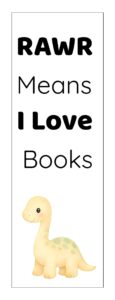
A bookmark is THE easiest digital product to start with.
Open a tall Canva canvas (like 2″ x 6”), drop in your clipart, add a short quote, and you’re done.
Why bookmarks sell well:
- Parents love them
- Teachers use them constantly
- They’re fun gifts
- They print beautifully at home
Try phrases like:
- “RAWR Means I Love Books”
- “Reading Is Dino-Mite”
Design tips:
- Keep the background white or very light
- Use simple fonts
- Let the clipart be the star
Product 2: Greeting Card
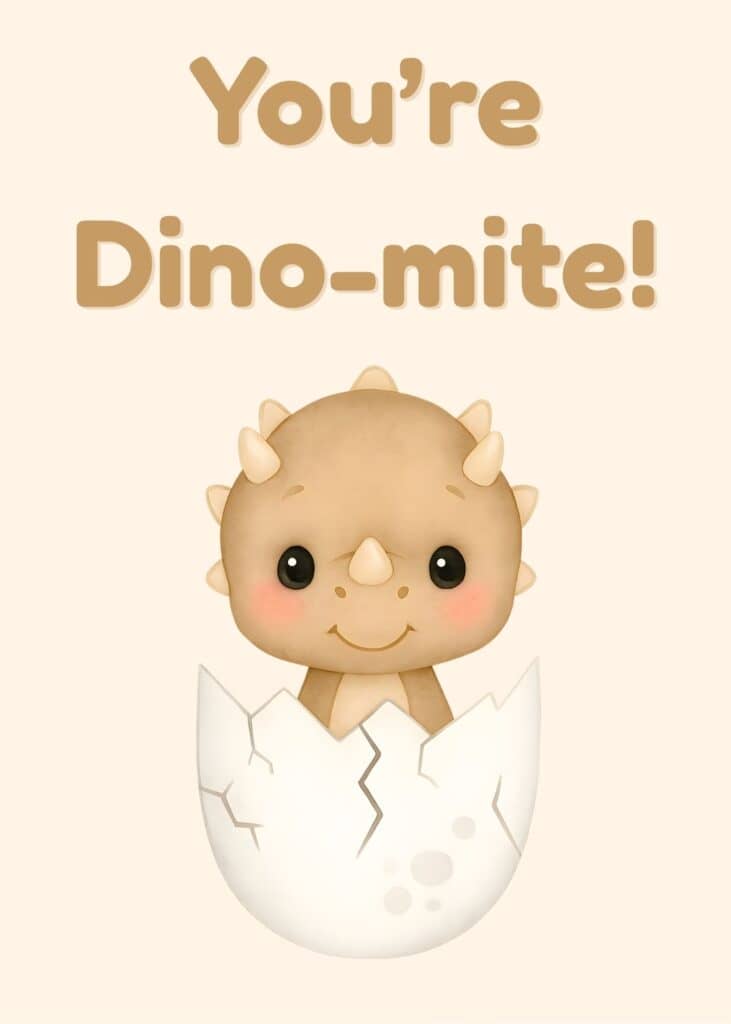
Open a 5×7” canvas in Canva.
Add your clipart.
Add a cute phrase.
Change the background and text colors.
Done.
Greeting cards are always in demand because you can use the same layout for:
- Birthdays
- Thank you cards
- Classroom rewards
- “Just because” cards
You can make 10 different cards just by changing the words while using the same 3 clipart images.
Product 3: Wall Art Print
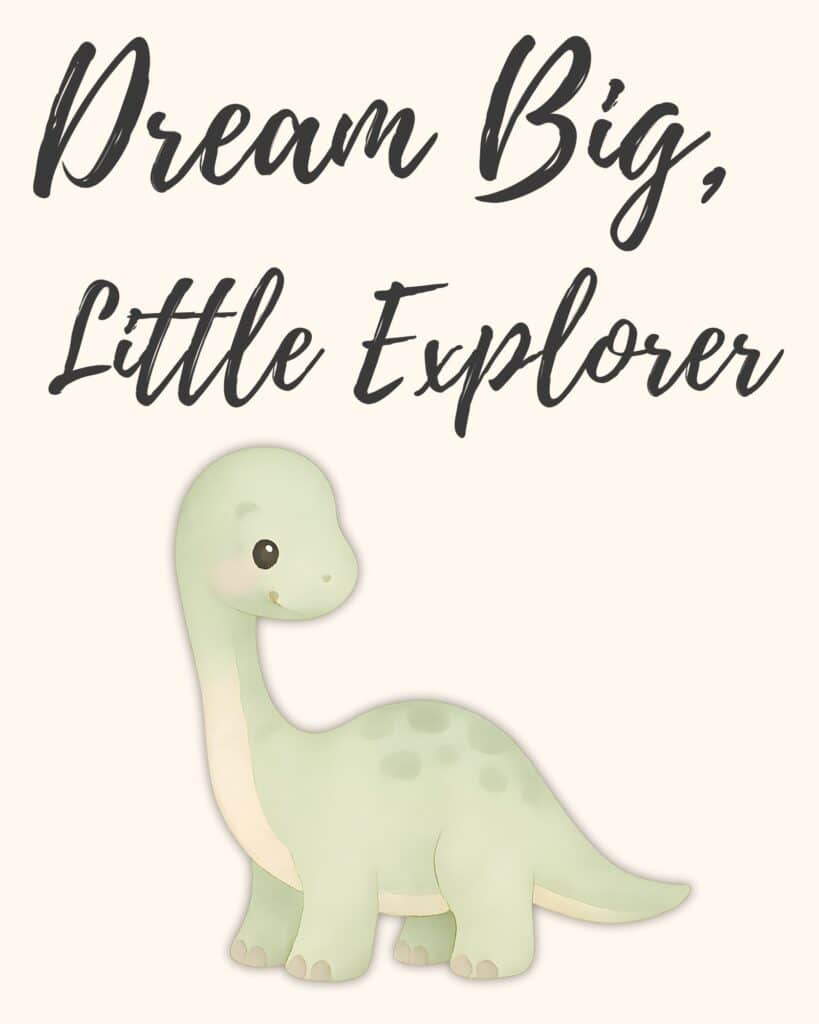
Wall art is one of the fastest digital products you can create.
Choose an 8×10” canvas, add your dino, place a short quote like “Dream Big, Little Explorer,” and use a soft pastel background. Canva makes this ridiculously easy.
Why wall art sells:
- Parents print them for nurseries
- Teachers hang them in classrooms
- They take 2 minutes to make
Make a matching set by repeating the same layout with a new quote.
Product 4: Sticker Sheet
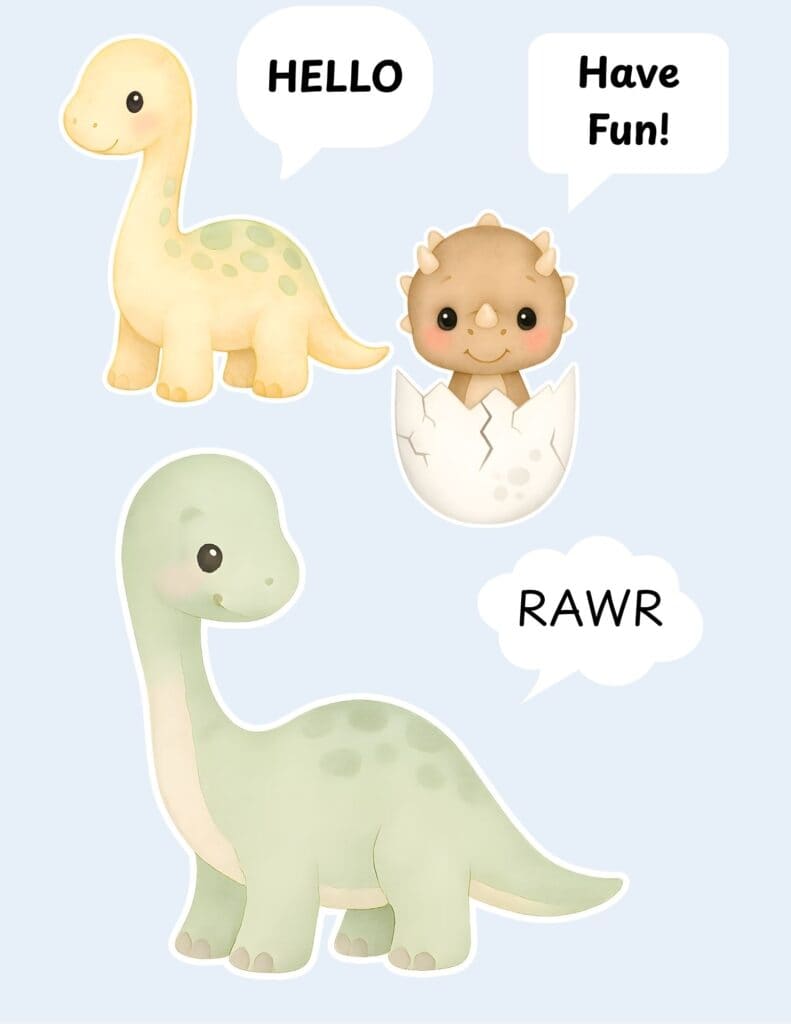
Stickers look advanced but they’re not.
In Canva:
- Open an 8.5×11” canvas
- Add your 3 clipart images
- Resize and repeat them
- Add 3 shapes for text
- Add white outlines to the clipart (Canva has one-click “shadow” that works perfectly)
- Export as a PNG
People use printable stickers for kids, planners, rewards, scrapbooks, and party favors — which makes them a high-demand digital product.
Product 5: Name Tags (or Gift Tags)
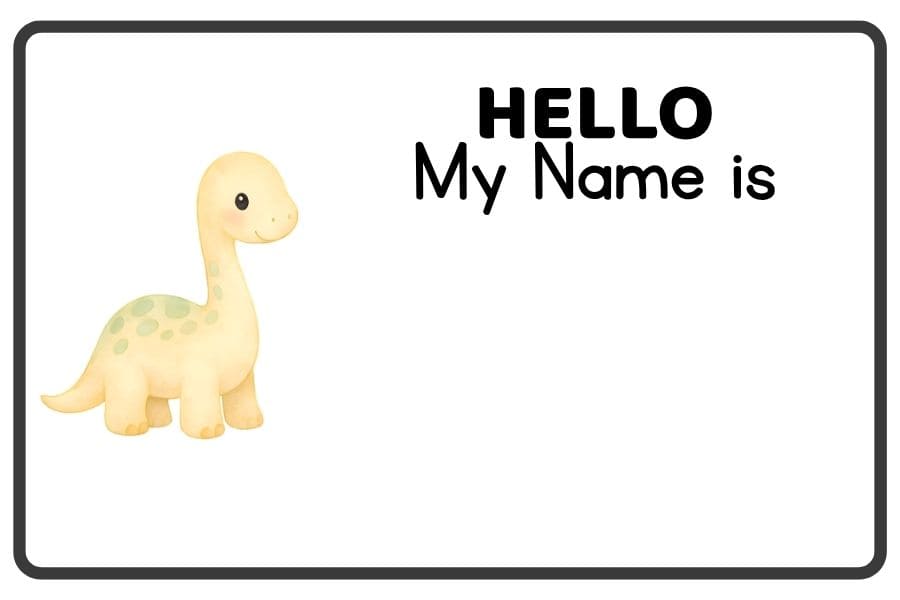
These are perfect for:
- Back-to-school
- Birthday parties
- Classroom open houses
- Kids’ events
Just use a small rectangular canvas, add your clipart, add text like “Hello, My Name Is,” and leave room for writing.
Swap the words for:
👉 “To” / “From”
and boom — instant gift tags.
Where You Can Sell Your Digital Products
These simple clipart-based digital products do well on:
- Etsy
- Your own website
- Bundles
- Anywhere that supports instant digital downloads
You don’t need a huge shop or a big brand.
One product turns into five.
Five turns into a small collection.
A small collection becomes a shop.
This is how you build momentum without burning out.
Final Thoughts: Start Simple. Start Today.
With just three pieces of clipart, you can create five real digital products in Canva — products that beginners actually finish and buyers actually want.
You don’t need to be a designer.
You don’t need fancy software.
You don’t need perfection.
You just need the willingness to try, one little idea at a time.
Go make something cute today. Your future customers will love it.
If you want free clipart and niche ideas to get you started, grab my starter pack here: